Gridwise blog
Tips, insights, and advice to help you earn more and work smarter, whether you do gig work, hourly, or shift work.

How to Make $1,000 a Week With Uber Eats in 2026 (Tips + Hourly Data)
In this blog, we'll explore the strategies and techniques that can show you how to earn $1000 per week as an Uber Eats delivery driver. We'll cover everything from optimizing your delivery zones and schedules to maximizing your tips and customer satisfaction. Whether you're a seasoned Uber Eats driver or just starting out, this guide will provide you with the insights and actionable steps to take your Uber Eats driver earnings to the next level.
Becoming an Uber Eats delivery partner can be a lucrative opportunity, especially if you're able to consistently earn $1000 a week. By understanding the platform, optimizing your delivery strategies, and focusing on customer satisfaction, you can maximize your earnings and turn Uber Eats into a reliable source of income.
We’ll cover the following topics to provide coaching and ideas to help you push your earnings up to that $1000 per week level:
What do Uber Eats drivers do?
Uber Eats drivers deliver prepared food most of the time, but they also might shop for and deliver goods from convenience outlets and grocery stores. The job is pretty simple. You get a request for an order, you drive to the restaurant or store to pick it up, and then you deliver it to the customer. If you already drive for Uber, you can choose to take orders for Uber Eats delivery any time.
If you’re not an Uber Eats driver yet, it’s pretty easy to become one. This Gridwise post tells you what you need to do if you want to sign up and start making money Uber Eats style. Many rideshare drivers welcome the chance to deliver food rather than people. This article from Nerdwallet covers the Uber Eats gig from that angle.
There are some sweet advantages to working with Uber Eats. In lots of cities you don’t even need to have a car. You can use a bike or a scooter, or even walk, to make your rounds. If you do use a car, Uber Eats’ requirements are a lot easier to meet than they are for Uber rideshare driving.
You also have a lot of flexibility. You can shop and deliver convenience items and groceries, but you don’t have to. And, like most driving gigs, you can choose your own hours, and map out the locations where you want to work.
Use Gridwise features When to Drive and Where to Drive to help you figure out what work hours and which specific areas will be the most profitable for you. Real data from real delivery people will show you earning patterns for drivers in your town.
How much can you earn doing Uber Eats?
The honest answer to this question is: basically, as much as you want! It all depends on how many hours you put in and how strategic you are about your gig. Earnings vary from one area to another, as this article from Entrepreneur points out. To give you a baseline, let’s look at the earnings of Uber Eats drivers who tracked their earnings with Gridwise.
Remember that these numbers show us only average earnings. To make $1,000 a week with Uber Eats, you’re going to have to be better than average, and we’ll show you how. For now, though, it’s good to have these figures so you get a ballpark number of where to start.
How much do Uber Eats drivers make?
Gridwise data tell us the following:
- Monthly earnings average around $444.00 per month.
- Gross earnings per trip are between $9.00 and $10.00.
- Tips make up about 50% of most Uber Eats drivers’ income, which amounts to about $225.00 per month.
Is Uber Eats good money? It can be. While there are other gigs that pay more per trip, if you drive for Uber Eats, you’ll always be pretty busy.
https://datawrapper.dwcdn.net/HPAz8/3
You can also see that, unlike many other gigs, tips play a huge role in Uber Eats earnings.

With these numbers as a baseline, what can we say about how to earn $1,000 a week with Uber Eats? As we said in the introduction, it’s going to be a hustle, but it’s really possible. To figure out how to make the most money with Uber Eats, let’s start by looking at how many trips these “average” drivers made each month.
We know that average gross earnings were $444.00 per month, and drivers got around $10.00 per trip. That means they took 44 or 45 trips per month, which breaks down to 11 trips per week. That’s not a lot of Uber Eats delivery, is it?
The fact that Uber Eats drivers averaged so few trips shows us that many drivers use more than one app at the same time. This is called multi-apping, and you can learn more about it in this Gridwise post. If you want to answer the question of how much you can make with Uber Eats, then you need to stick with the app and keep plugging away at those orders. You also need solid strategies, as well as some inside tips and tricks.
How to make the most money on Uber Eats: Delivery driving tactics
Getting to that $1,000 a week with Uber Eats isn’t so hard when you remember that the drivers we saw making about $111 a week were only taking around 11 trips in the same time period. That’s not much at all! If you work the Uber Eats app like a boss, you’ll soon have many more trips than that, easily reaching the number needed to get you to $1,000 a week. Now, let’s get to some tactics you’ll need to make that kind of bank.
- Stay with the Uber Eats app, and track your earnings. Gridwise can easily do that for you. Simply sync your Uber Eats app with Gridwise, and you’ll be able to see how much you’ve earned with Uber Eats, what times were most profitable, and your average hourly pay. Racking up trips with Uber Eats has other benefits, including perks and bonuses that are awarded to top drivers.
- Leverage surge pricing and promotions. Surge pricing is applied when there is a lot of demand. When surge pricing is in effect, many of the trips you make will pay more than usual. Promotions are offered to drivers who complete a given number of trips in a certain time period. High traffic volume days, nights, and times give you these chances to get extra earnings. Challenging yourself to complete the right number of trips for promotions will add to the number of trips you can count on for big bucks, too. Learn more about Uber Eats surge pay, boosts, and promotions in this Gridwise blog post.
- Say yes to doubling up on orders. With Uber Eats, you can get back-to-back orders or receive batched orders. Back-to-back orders happen when you receive a new request while you’re on the way to deliver an original order. The Uber Eats app routes these trips automatically, so you won’t be sent out of your way.
Batched orders are Uber Eats’ way of bundling together orders from either the same restaurant, or two nearby eating establishments. You get money, and trip count credit, for all the orders you complete, plus customer tips, without having to make a bunch of separate trips.
- Turn on the charm and get bigger tips. Being nice really is part of the Uber Eats driver’s job, and getting tips is one way people who drive for Uber Eats make money beyond their basic pay.. Bring along those extra napkins and condiments, use equipment that keeps food and drinks at the right temperatures and prevents spilling, and consider your customers’ needs. If you deliver groceries, be extra careful with delicate items such as bread and eggs.
And, most important, follow your customers’ directions, and stay in communication with them if you are going to be delayed, or if you have questions about their order. This Gridwise post will tell how to get bigger tips as a delivery driver.
- Use even more charm to keep your ratings high. As an Uber Eats driver, you will be rated by the restaurant or store where you pick up the orders as well as the customers who are waiting for the deliveries. This two-way rating system is designed to keep you on your toes, so Uber can keep people satisfied with your service. Don’t worry, you get to rate them, too.
There’s another reason why your rating as a driver is important. It not only keeps you in good standing with Uber; it helps you to qualify for the Uber Eats Pro incentive program. To learn more about Uber Eats Pro, and what it takes to earn perks such as preferred services, discounts, and deals, check out this Gridwise blog post.
Smart business moves that seal the deal
Now that you know how to gobble up the deliveries you need to make $1,000 a week with Uber Eats, it’s going to be a breeze to get there. Let’s make it even easier, with business moves that boost your earnings and shrink your expenses. If you use these, it will also be easy to say yes when people ask, “Can you make good money with Uber Eats?”
Minimize expenses. Avoid racking up big fast-food bills by bringing your own food and beverages. You might not think you’re hungry when you first start your Uber Eats run, but once the aroma of pepperoni pizza, premium cheeseburgers, and piping hot fries start wafting through your car, that might change. Bring a sandwich or other healthy food from home, and buy bottled water in bulk to save tons of cash compared to what it costs to buy single servings.
Maximize tax deductions. Another way to minimize your expenses is to maximize your tax deductions. Start by tracking mileage with Gridwise.

Gridwise App
Gridwise captures every deductible mile you drive, including the distance you cover between the trips your driving app records. Know what expenses you can deduct, and put them to work for you when tax time comes. Learn more about tax deduction strategies in the Gridwise Tax Guide for drivers.
Boost earnings with referrals
As an independent contractor, you’re probably looking for ways to make even more money than you can with Uber Eats. And most gig workers like you enjoy getting passive income. With Uber Eats, there’s a really easy way to do that, referrals!
All you need to do is find friends and encourage them to deliver for Uber Eats. If they make a certain number of deliveries within a specified time, you will get paid for doing nothing more than having them sign up under your referral code! Rates of pay vary by city, so check your Uber Eats app to find out what the current deal might be, and learn more about the referral program on the Uber Eats website.
Also remember: “friends” don’t have to be your best buds. Many delivery people carry cards with a QR code linking to their referral information, so just about anyone you encounter can join Uber Eats and boost your earnings. You could meet a source of passive income at the gas station, on social media, or at your high school reunion. The more you hustle, the more there is to gain, right?
Master the art of self-employment
As an Uber Eats driver, you’re an independent contractor. That means the company isn’t going to withhold your taxes, provide insurance, keep track of your earnings, or tell you about tax deductions. You’ll have to do all these things for yourself.
If you want to maximize your tax advantages, open an official business entity. You can incorporate (create a corporation) or you can work as a limited liability corporation (LLC). You can also work with a DBA (Doing Business As) arrangement, but the corporation or LLC will do a better job of protecting you from liability.
Establishing a corporation or LLC offers better tax advantages than being a sole proprietor. For instance, if you simply collect your earnings into your private account, you’ll be charged self-employment taxes in most states. And paying extra taxes is something we all want to avoid, within legal limits, as much as possible.
Every Uber Eats driver needs to learn about self-employment, and there are some great resources you can review. Check out the CareerOneStop website about self employment which will help explain the basics. You can also check with a professional tax accountant, or look other websites to learn more about actually creating a business.
Scope out your market
Look at the area around you to see where you’re likely to get the most deliveries. Where are all the restaurants? Where might people be more inclined to order deliveries? What hours do you want to drive? What activities might be going on around those times? Think about late-night and after-school times as well as breakfast, lunch, and dinner times.
Be realistic about the potential for your area and aware of new services opening up. For example, in New York, there is already a tab on the Uber Eats app that allows customers to order groceries. In our article about the best food delivery service to work for you’ll see that Uber Eats stacks up well against other delivery companies, mainly because of its potential for expanded opportunities for drivers to earn.
So, is Uber Eats good money? As we said, it isn’t an automatic guarantee that everyone will make $1,000 a week with Uber Eats. Trying out the suggestions we give you here, though, should put you on the right track! Go out there and start stacking up those orders and raking in some impressive earnings!
Get more inside information on Uber Eats in these posts from the Gridwise blog:
- The delivery driver guide: Using the Uber Eats app
- Everything you need to know about driving for Uber Eats
- Uber Eats Pro: What drivers need to know
- Looking for a different gig, part-time or full time job? Check out the Gridwise Job board.
Uber Eats FAQ
How does the Uber Eats platform work for drivers?
Uber Eats is a food delivery service that connects customers with local restaurants and independent delivery partners. As an Uber Eats driver, you'll receive notifications of nearby delivery requests, which you can accept and complete. The platform provides flexibility, allowing you to work on your own schedule and earn money based on the number of deliveries you complete.
What are the requirements to become an Uber Eats delivery partner?
To become an Uber Eats delivery partner, you'll need to meet certain requirements, such as having a valid driver's license, a registered vehicle, and passing a background check.
How can I choose the right delivery zone to maximize my earnings?
Selecting the right delivery zone can significantly impact your earnings, as some areas may have higher demand and better-paying orders. It's important to research and identify the zones in your area that tend to have the most consistent and lucrative delivery opportunities.
How can I take advantage of peak delivery hours and surge pricing?
Understanding peak delivery hours, such as mealtimes and weekends, and taking advantage of surge pricing can boost your earnings. Be aware of when demand is highest in your area and adjust your schedule accordingly to capitalize on these peak periods.
What are some tips for maximizing tips and customer satisfaction?
Providing excellent customer service and going the extra mile to ensure a positive experience can lead to more tips and repeat business. Prioritize communication, timeliness, and attention to detail to keep your customers happy and satisfied.
How can I set realistic weekly goals to reach my $1000 target?
To make $1000 a week with Uber Eats, it's essential to set realistic weekly goals and track your earnings and expenses. Start by determining your target earnings and breaking it down into achievable daily or weekly goals. This will help you stay on track and make adjustments as needed.
What are some strategies for efficient route planning and navigation?
Effective route planning and navigation can save you time and fuel, allowing you to complete more deliveries. Utilize mapping apps and take advantage of features like real-time traffic updates and turn-by-turn directions to find the quickest routes.
How can I balance my Uber Eats deliveries with other commitments?
Develop a schedule that allows you to capitalize on peak delivery hours while still maintaining a healthy work-life balance. Consider using tools like calendar apps to plan your availability and track your hours to ensure you're maximizing your earning potential without sacrificing your personal life.
What are the key considerations for maintaining my vehicle as an Uber Eats driver?
Keeping your car clean and well-maintained is crucial for maximizing your Uber Eats earnings. Regularly scheduled oil changes, tire rotations, and other preventive maintenance can help extend the life of your vehicle and minimize downtime. Additionally, budgeting for vehicle-related expenses, such as fuel, insurance, and repairs, will ensure you're accounting for these costs and maximizing your net earnings.
What are the tax obligations and legal considerations for Uber Eats drivers?
As an Uber Eats delivery driver, it's essential to understand the tax obligations and legal considerations that come with being an independent contractor. This includes properly reporting your earnings, deducting eligible business expenses, and making quarterly estimated tax payments. Additionally, you'll need to ensure you have the appropriate insurance coverage, such as personal auto insurance and possibly commercial auto insurance, to protect yourself and your vehicle while on the road making deliveries.

The Gridwise Job Board: Find Your Ideal Job or Gig Work
Gridwise is an essential assistant app created by gig workers for gig workers. Our mission is to support those engaged in gig work in every way possible. We understand how challenging it can be to deal with income instability, a lack of benefits, and job insecurity that often comes with gig work. The Gridwise app tracks and organizes earnings and expenses, and offers a wide array of discounts, deals, and services that make the lives of independent contractors easier and more rewarding.
We firmly believe it’s possible to make a viable living and create a gig experience that offers flexible hours, variety, and excitement. With issues such as consistent earnings and job security in mind, Gridwise is proud to offer a centralized platform that shows you how to find gig work and secure reliable opportunities. We’re proud to introduce the Gridwise Job Board.
The Gridwise Job Board: Key features
Because Gridwise is dedicated to serving the gig worker community, we’ve filled the Gridwise Job Board with useful features that won’t waste your precious time.
- Comprehensive listings. Find part-time, full-time, temporary, and per-task work. Drive or deliver with your vehicle, utilize an employer’s vehicle, or even find non-driving gig work.
- User-friendly interface. Find the jobs that are right for you with a tap of your screen.
- Verified opportunities. We vet the jobs before they are listed to ensure you’re getting high-quality job postings.
How to get more gig work, seasonal, part-time or full-time jobs with the Gridwise Job Board
Looking specifically for “gig work apps” or “gig jobs near me?” You’re in luck. Our filters and search functions send you directly to the listings you seek.
Here’s how it works.
- Access the Job Board via the Gridwise website.
- Search for jobs by type, location, and more.
- Select the job that interests you, and read all about it.
- Scroll through the description, and if it appeals to you, click “Apply for job.”



Many types of jobs are available. Adjust the search filter to see the full variety of opportunities that will let you cash in. Deliver food, set up catering, do rideshare driving, get paid for doing package delivery, and much more. You’ll find short-term gigs, long-term contracts, and part-time positions.
Perks of the Gridwise Job Board for gig workers
Gig workers who know how to make extra money will appreciate how the Gridwise Job Board lets you multiply your chances of bringing in big earnings. Here’s how:
- Increased stability. Use the Gridwise Job Board to find part-time or permanent jobs in addition to the part-time gigs you already have. Always keep a steady stream of earning opportunities flowing toward you.
- Flexibility and autonomy. Choose jobs that fit your schedule, work around other jobs and family duties, and still leave room for some fun in your life. Discover side hustles to supplement your full-time job, permanently or just for the season.
- Skill development. Find part-time work that lets you use a skill you already have, or try your hand at something new. It’s a smart way to develop a portfolio to showcase what you can do, or even to find permanent employment.
Get Gridwise and stay up to date on the Gridwise Job Board
Gig workers need plenty of information and assistance, and Gridwise is here to give it to you. Download the app and get essential features such as
- seamless earnings tracking
- mileage tracking
- expense recording, including notes
- low-cost and no-cost insurance benefits
- access to affordable medical, dental, vision, mental health, and alternative care
- professional services including legal and financial help
- deals and discounts
- weather, events, and traffic reports
- inside information on where and when to drive
More to know about gig work:

5 Best Mileage Trackers For Gig Drivers
Many drivers ask, “Do I really need a mileage tracking app?” The answer is simple: only if you want to have an accurate count of all the miles you can legally deduct from your taxable income! You might think your rideshare or delivery driving app has got you covered. After all, they do quite a good job of logging the miles you drive while you’re on a trip or delivery. But, if you want to have the best app to track mileage for Uber, Lyft, Doordash, Instacart, or the other apps you may use, you need more. Why is that?
Without a separate tracker, you’re missing the miles you drive in between pings. Did you realize that all the miles you drive, from the moment you begin your shift until it’s over (as long as you don’t drive several miles on a break to hang with your friends), are tax deductible! That means you need something besides your driving app to keep an accurate count of your travels. Read this Gridwise post to see how important it is to keep track of every deductible mile.
You won’t be surprised to hear that there’s an app for tracking miles. In fact, there are several of them. Here, we’re going to tell you about five top mileage tracking apps, and help you figure out which one is best for you.
Before we get to the list and identify the best mileage tracker app, let’s clarify what exactly a mileage tracking app is. According to G2.com’s technology glossary, mileage tracking is done for the purpose of keeping a log of mileage that is either reimbursable or tax deductible.
And yes, of course you can track your miles simply by taking readings on your odometer. But are you really prepared to account for how many miles you drove for personal reasons and subtract them from the total to get your business mileage? Even if you can remember all that and do the arithmetic, if you want an accurate reading of the miles you drive for business, and can therefore deduct, a mileage tracking app will save you a lot of trouble and prevent you from making costly errors.
Plus, as a gig driver, you have specific needs when it comes to a mileage tracker. Ideally, you’d be able to handle mileage tracking and several other functions all in one app. It can be maddening enough to deal with driving apps, particularly if you’re an avid multi-apper. You would want your mileage tracker app to help you keep account of other aspects of your business, including income, expenses, and inside information about the art of gig driving.
Not all mileage apps are equal, to be sure! Let’s look at five of the best apps to track mileage and figure out which is the best app to track mileage with Uber and Lyft, or what mileage tracker app is best for DoorDash.
1. Zoho Expense

First up is Zoho Expense, which does exactly what its name says. This app is designed to allow companies to give employees a uniform way to create and submit expense reports. It can be used by individuals, including gig drivers, as well.
It includes a mileage tracker, as well as features that let you track other deductible expenses, including the ability to scan and record receipts.
Available on Android and Apple: Yes
Ratings: 4.8 stars on App Store, 4.7 stars on Google Play
Free Version: Yes
Subscription price: $3 per month, billed annually
Created specifically for gig drivers: No
2. Quickbooks Online

Quickbooks Online is a cloud-based app that allows you to track your mileage, earnings, and expenses. The information you enter can then be used to generate various reports that prepare you for tax time. It also allows you to create graphs that illustrate your cash flow, and includes a receipt scanner so you can instantly record deductible expenses. Quickbooks is popular, highly reliable, and designed mainly to help people keep track of their small businesses.
Available on Android and Apple: Yes
Ratings: 4.7 stars on App Store, 4.4 stars on Google Play
Free version: 30-day free trial
Subscription price: $15 per month for basic version if purchased for 3 months or more
Created specifically for gig drivers: No
Source: quickbooks.intuit.com
3. Shoeboxed

Shoeboxed started in 2007 as a service for scanning paper receipts into digital form. Now the app offers a free mileage tracker and has enabled users to scan receipts directly. It touts itself as the best mileage tracking app for DoorDash, but there are some elements missing that Dashers might like to have. While it provides features that record your expenses and prepare you for tax season, it doesn’t automatically track your earnings. The mileage tracker has a system where you can drop pins along your routes to make the tracking more precise, identifying those legs of a trip that you make for business purposes. The mileage tracker is “free” once you sign up for the basic version.
Available on Android and Apple: Yes
Ratings: 4.5 stars on App Store, 2.3 stars on Google Play
Free version: No
Subscription price: $18 per month for basic version
Created specifically for gig drivers: No
Source: blog.shoeboxed.com
4. Stride

This free mileage tracker does a fair job of keeping track of the distances you rack up while gig driving, but it doesn’t automatically track earnings. It can be a big help, though, in tracking your expenses. You can link Stride to your bank account, and it will automatically scan your expenses to identify items you can potentially deduct. The app is totally free. This could make it the best free mileage tracker app, but there is a small price to pay. The app will persistently push you to consider various insurance plans that they are affiliated with. If you don’t mind that, this is a solid mileage tracker, even if it doesn’t track your earnings.
Available on Android and Apple: Yes
Ratings: 4.8 stars on App Store, 4.6 stars on Google Play
Free version: Yes
Subscription price: None. The app is free.
Created specifically for gig drivers: No
5. Gridwise

Gridwise has a free mileage tracker and free features that record your income and expenses. It gives you access to insurance and benefits, as well as insights about the best times and places to make the most money while gig driving. The Gridwise mileage tracker captures all the miles you drive while you’re on your driving shift, and it can be used if you have other trips you need to make which qualify as business travel.
Drivers love it because it is geared toward the needs of rideshare and delivery workers, providing free information about airport departures and arrivals, event start and let out times, weather, traffic, and more. The Gridwise Plus subscription adds value by providing additional insights and reports, discounts on benefits, the ability to export data in .csv format,, and more.
Available on Android and Apple: Yes
Ratings: 4.9 stars on App Store, 4.6 stars on Google Play
Free version: Yes
Subscription price: $9.95 per month for Gridwise Plus, or $95.99 per year (a $23.41 savings)
Created specifically for gig drivers: Yes!
What is the best mileage tracking app?
Now that we’ve checked them all out, we’re positive about the answer to that. Hands down, it’s Gridwise. Are we biased? You bet we are! But drivers love it too. Gridwise is the best mileage tracker app, and so much more. So many of the features are free, and the subscription to Gridwise Plus will pay for itself with additional insights to boost your earnings and deeper discounts on products and services.
Most important, Gridwise is designed specifically for gig drivers by experts who were once gig drivers themselves! Knowing what gig drivers need is a crucial step in creating an app that rideshare and delivery drivers can really use! Here are a few of the features, besides mileage tracking:
- seamless earnings tracking
- automatic, on/off toggle and manual mileage tracking
- mileage categorization
- airport, traffic, weather, and events information
- insights into where to drive and when to drive
- reports showing earnings across the platforms you use
- discounts on countless products and services for drivers
- additional resources for finding side gigs
- an informative and comprehensive blog
- affordable benefits, including insurance, medical, dental, and alternative practitioner discounts
- a community of drivers just like you
Don’t settle for just any app. Get the best mileage tracker, and so much more, from Gridwise!
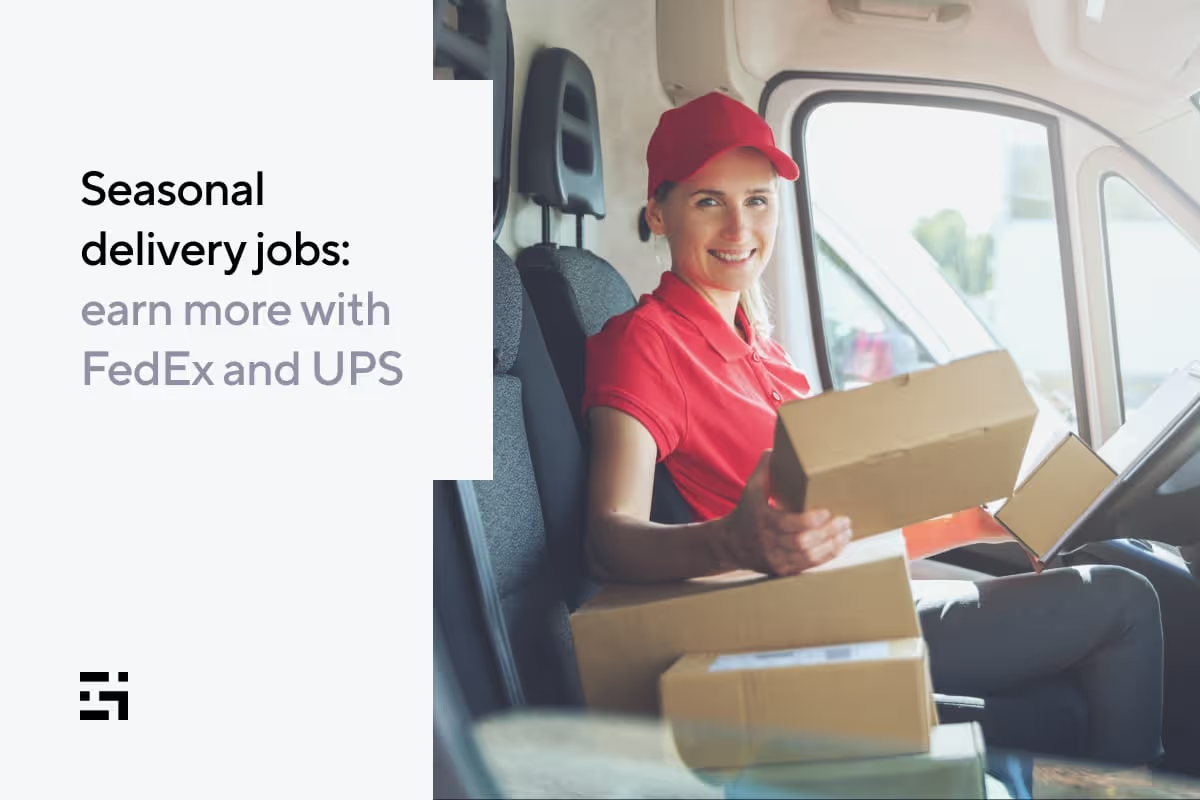
Seasonal delivery jobs: earn more with FedEx and UPS
We all love a shiny new toy — especially the apps that “disrupt” the market and change the way we get around, get food, or get deliveries.
Companies like Uber, Lyft, and the numerous delivery apps popping up every year are changing the way we live and creating new opportunities to earn – but where does that leave established companies like UPS and FedEx?
They’re wising up, taking careful note of what’s happening in the industry, and adapting their own business model to create opportunities for gig drivers like you to earn even more.
Becoming a driver for FedEx or UPS is a great way to generate additional income and create even more opportunities to work a schedule that suits you.
And now is the time to get on the road. The COVID-19 pandemic continues to cause shortages of school bus drivers, truck drivers, and FedEx and UPS delivery drivers. Plus, increased demand around the holidays creates great bonus opportunities for package delivery drivers. In this article, we’ll cover:
- What does it take to deliver with UPS and FedEx?
- How much should you expect to earn?
- Is UPS or FedEx better for gig drivers?
Brown Box Bootcamp: What does it take to deliver with UPS and FedEx?
UPS
To get yourself into one of the coveted brown uniforms of the United Parcel Service is the childhood goal of many for good reason. UPS is one of the largest shipping companies in the world, delivering 5.5 billion packages per year. That’s a lot of demand.
As a rideshare or delivery driver, you’re probably not interested in getting behind the wheel of a UPS truck full-time. UPS is thinking of you, so they created Personal Vehicle Driver (PVD) positions for high-demand seasons.
UPS PVD drivers deliver packages like any UPS driver, but they have a more flexible schedule and can use their car similar to an Amazon Flex driver. UPS PVD driver qualifications include:
- Lift, lower, and carry packages up to 70 pounds
- 21 years or older
- Valid driver’s license
- No at-fault accidents or moving violations within 12 months
- Proof of registered vehicle
- Minimum state-required auto insurance
- Adherence to company appearance guidelines
- Ability to work up to 5 1/2 hour shifts Monday through Friday (some holidays and weekends possible)
All UPS drivers are employees of UPS, not contractors. So, it’s important to understand the complete terms of your employment when you apply for a UPS delivery driver position.
FedEx
Package delivery drivers with FedEx don’t have the option to use their own vehicles. However, FedEx does offer non-CDL delivery positions utilizing their fleet that allow drivers to get on the road faster and avoid the expense of obtaining a special license.
FedEx Courier qualifications include:
- Be at least 21 years of age
- Able to lift up to 75 pounds
- Pass mandatory drug screening, background check, and medical examination
- Ability to operate vehicle in all weather conditions
While FedEx does offer some part-time courier positions, they’re less flexible; as with UPS, FedEx drivers are employees of FedEx, rather than independent contractors.
How much do UPS delivery drivers earn?
According to Glassdoor, UPS PVD drivers earn from $21 – $30 per hour, with the average pay around $22 an hour. Because drivers are using their own vehicles, they are also reimbursed at
$0.56/gallon to cover expenses and depreciation.
This means drivers with UPS typically earn slightly more than other part-time delivery drivers. It’s important to remember, though, that your hourly rate is your only compensation; there’s no opportunity to earn tips or other bonus incentives that come along with most gig driving jobs.
In most cases, UPS Personal Vehicle Driver gigs are seasonal positions.
If you’re looking for a break from the driver’s seat, you might consider applying as a seasonal package handler. During high-demand seasons, you’ll ride routes with drivers of large UPS trucks, helping them make deliveries and earning from $12 to $15 per hour.
How much do FedEx Courier drivers earn?
On par with UPS package delivery drivers, FedEx Courier drivers earn between $21 and $24/hour. Again, this is slightly above the average pay for most gig delivery drivers, but there’s no opportunity to earn tips or other additional bonuses.
Because Courier drivers are employees of the company, earnings vary by state to accommodate for fluctuations in the cost of living (the same as any other position with FedEx).
Which package delivery service is best for gig drivers?
Both FedEx and UPS offer great opportunities for drivers to earn more, particularly around the holidays, on a flexible (but still reliable) schedule. However, there are some considerations that rideshare and delivery drivers need to think about before they jump into working with either as a package delivery driver.
Good news for all
The main advantage that FedEx and UPS both offer for gig drivers is the opportunity to be an actual employee of the company rather than an independent contractor. This provides drivers with something everyone needs around the holidays: stability.
Not only are drivers paid a guaranteed hourly salary, their schedule is also chosen ahead of time. That means you can know exactly when you’ll work and how much you’ll make before you hit the road – which can be a major relief during an already busy and stressful season.
What’s the catch?
The downside with these services is that they lack the true freedom you get with many other gig opportunities. Although needing to schedule your hours ahead of time is becoming more common with apps like Instacart, you can still make last-minute changes and don’t have to report to anyone.
At the end of the day, being a UPS or FedEx delivery driver doesn’t allow you to “be your own boss.”
Which should you choose?
If you’re okay with giving up a little control in exchange for a higher package delivery salary that supplements your other rideshare and/or delivery earnings, the UPS Personal Vehicle Driver program is probably your best bet.
You still get the freedom of working part-time but you have the stability of knowing exactly how much you’ll earn at a pretty great hourly rate.
Put higher earnings on your schedule with Gridwise!
When you start putting together your schedule, it’s important to know where and when to drive. Even if you think you have the perfect route, Gridwise can help make the most of your time on the road with When to Drive.
When to Drive uses data from thousands of drivers using the Gridwise platform, allowing you to see how many trips are happening per hour and earnings per trip and per hour across different days and times of the week.
How does this help with FedEx and UPS? Download the Gridwise app to see when to drive to maximize your rideshare and delivery earnings, take note of the hours that are a little slower, and see if you can find a FedEx or UPS package delivery job to fit into those hours – less waiting, more earning!
You also get access to driver-exclusive benefits, gig-economy news, and a supportive driver community. Don’t wait, get the most out of your time on the road and join Gridwise today!
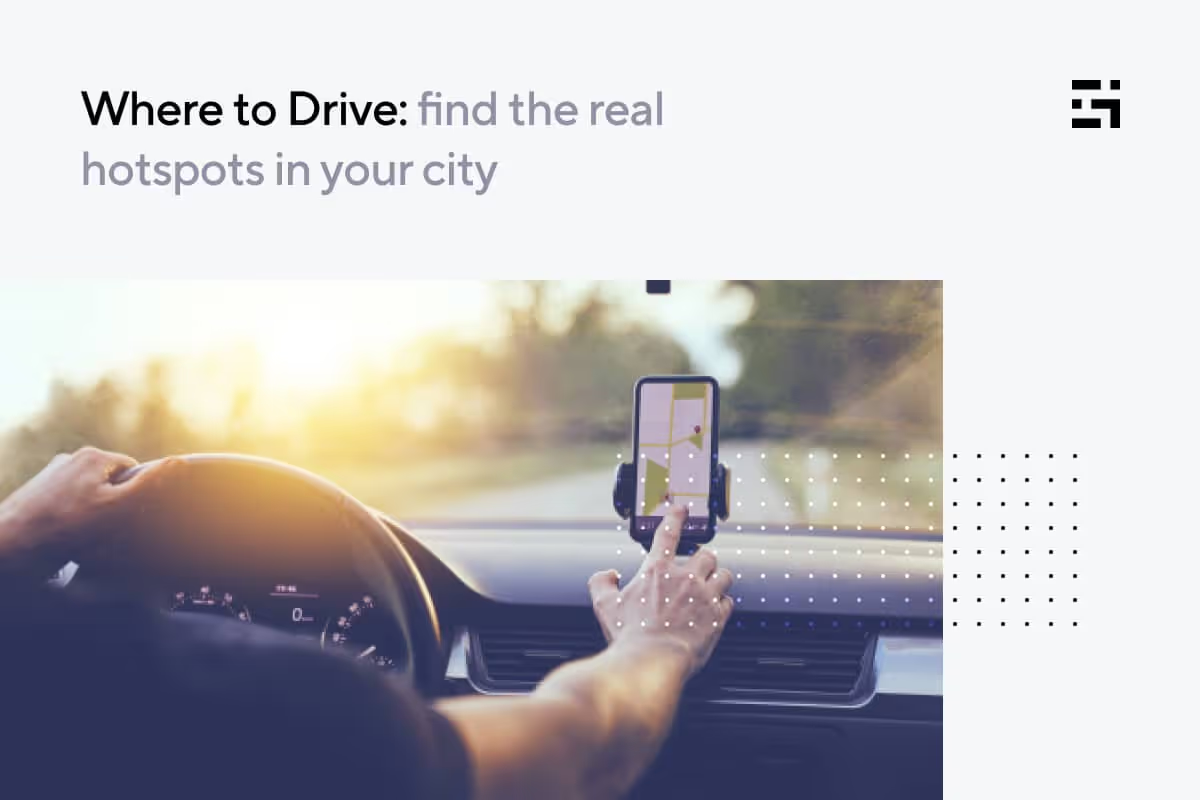
Where to Drive: find the real hotspots in your city
We’ve all been there. You’re out at the right time of day for peakrideshare and delivery business, but … you must not be in the rightplace. The volume you were looking for just isn’t showing up.
Your rideshare and delivery apps probably show where theythink the peak places are, but that doesn’t mean they’re accurate – nordoes it mean those locations won’t already be swamped with otherdrivers.
Let’s look at the issue of “where to drive,” and a solution to theproblem that you can get from your Gridwise app. In this article we’llcover:
- What knowing where to drive does for you
- How to get the data you need
- Where to Drive: a great new feature for Gridwise drivers
- What drivers are saying about Where to Drive from Gridwise
How knowing where to drive benefits you
At any given moment, you can scan your app’s map and see where the“hot” areas might be. They’ll be marked as places where the rates arehigher, crowds are more dense, and/or where there’s a bigger need fordrivers.
This can help you a lot, but surge maps on gig platform apps don’talways offer consistent, reliable information. Drivers who’ve played“chase the surge” can tell you that at best, driving to a high-volumearea might work only half the time. All too often, drivers waste timeand gas driving to a hot area, only to watch the surge prices evaporateas soon as they get there.
What you really need is historical data that lets you knowwhere high-demand areas are – not just once in a while, but all thetime. When you see the parts of town, or your suburban area, get themost traffic and yield the highest earnings on a regular basis, you cancount on making your trip to those spots well worth your while.
How to get the data you need
You undoubtedly have a history of where you make the most money ongiven days, but it’s not easy to compile that kind of information.Unless you’re a whiz with spreadsheets, you probably don’t even thinkabout taking the time to map out where the cash comes from.
No one can blame you for that; drivers have enough to do as it is.Also, just because you get good business in one or two areasconsistently doesn’t mean you can keep going back to the same well.Eventually, it’s going to run dry. But what if you could get data from allthe areas where you could potentially drive or deliver, right on yourphone, so you could look at it while you’re on your shift as well aswhen you’re planning it? We know what you’re thinking: “Yeah, right.”
We’re not kidding. In fact, Gridwise wants to get that informationinto your hands where it can be put to good use. How can this happen?
Gridwise anonymously collects data from drivers who sync theirdriving and delivery apps. Earnings, mileage, and locations arerecorded, and … Gridwise compiles all the info that tells us where theaction is in your town. You won’t want to miss having it in yourinformation arsenal!
You already know Gridwise as a great resource for information and driver-focused deals and discounts, including:
- Airport information: arrivals, departures, and queue lengths at your location
- Weather: current information and weather alerts
- Traffic: traffic alerts
- Gas deals: join Gridwise Plus and get $.10 off per gallon with Gridwise Gas
- Event information: everything you need to know about local events
- When to Drive: a new feature that tells you the best times to drive in your area for rideshare, food delivery, and delivery of groceries and packages
And there’s more! The whole reason Gridwise collects the information on the best times and spots to drive is to serve drivers. Gridwisetracks your earnings and expenses with very little effort on your part.All you need to do is link your gig apps to Gridwise, and the app willlog your earnings stats and mileage automatically. Also, Gridwise makesit easy to record your expenses as you’re incurring them. Then, whenyou’re ready to see how well you and your driving gigs are doing, youcan call up the numbers in helpful graphs like these:
And now … there’s Where to Drive!
Where to Drive: a great new feature for Gridwise drivers
Optimize your driving strategy with this slick new feature fromGridwise. Check out and compare the hot spots in your driving domain andget all the stats:
- Earnings: the combined total earnings from each neighborhood or area
- Trips: the total number of trips from each locality
- Earnings per trip
- Distance per trip
Here’s what it looks like:
Right now, Where to Drive is only available in select major cities. Check to see if it’s available in your area by clicking on the Where to Drive icon on the Home screen:
If you can only see the Nationwide view, that means that we don’thave enough data from drivers in your area to give you accurateinformation. But, the more drivers that join Gridwise in your city, themore insights we can give you. So if you tell your friends and otherdrivers about Gridwise, the more useful our app will be; win-win!
And if you’re a Gridwise Plus member, you get even more options.You’ll be able to expand the menu of filters so you can put together astrategy that always wins. Join Gridwise Plus with a few taps, in-app.Your membership is 100% tax-deductible, and will hand you the keys to earning an average of $300 more per month.
- The Where to Drivefeature offers Gridwise Plus members the best hourly earnings byneighborhood in your city. All numbers are derived from real-timecrowdsourced data, anonymously collected from other Gridwise users. Youcan customize the information in more ways than you can probablyimagine. Look at total earnings, or split them between rideshare ordelivery, time, and date. It’s clear and easy to use, too; here’s whatthe expanded menu looks like:
- You can view data for rideshare, fooddelivery, or grocery/package delivery, and see earnings by the hour andtrip. You can also compare earnings over time by looking back in time.
- We need to tell you that once in a while (rarely), it may be hard to getthe full picture because there isn’t enough data. This is part of theproblem of using other users’ information, but again, it happens rarely. Most of the time you’re getting the best insight available, withnumbers that come from other drivers, just like you.
What drivers are saying about Where to Drive from Gridwise
We value our Beta testers because they tell us exactly what it’s liketo experience new features as we add them to the Gridwise app. Here aresome of their reactions, after their recent test runs on the new Where to Drive feature:
Long-time Gridwise user Hamilton says:
“I would definitely use the feature more often than the Uber heatmap. This would be super-useful if there’s a lull in a certain spot,then the Gridwise app would show me whether or not it’s worth leavingthe area to go somewhere else.”
Summer, another driver who uses Gridwise, told us:
“I would change my driving strategy now that the Gridwise app shows me the most valuable times to drive in different areas.”
Tony, a loyal Gridwise driver, said:
“The Where to Drive feature would be useful for medriving food delivery because it would show what suburbs/areas areprofitable and where I should be heading for the lunch rush.”
We’d like to know what your experience of using the Where to Drive feature is like, but there’s only one way for us all to find out … download the Gridwise app, and try it today!
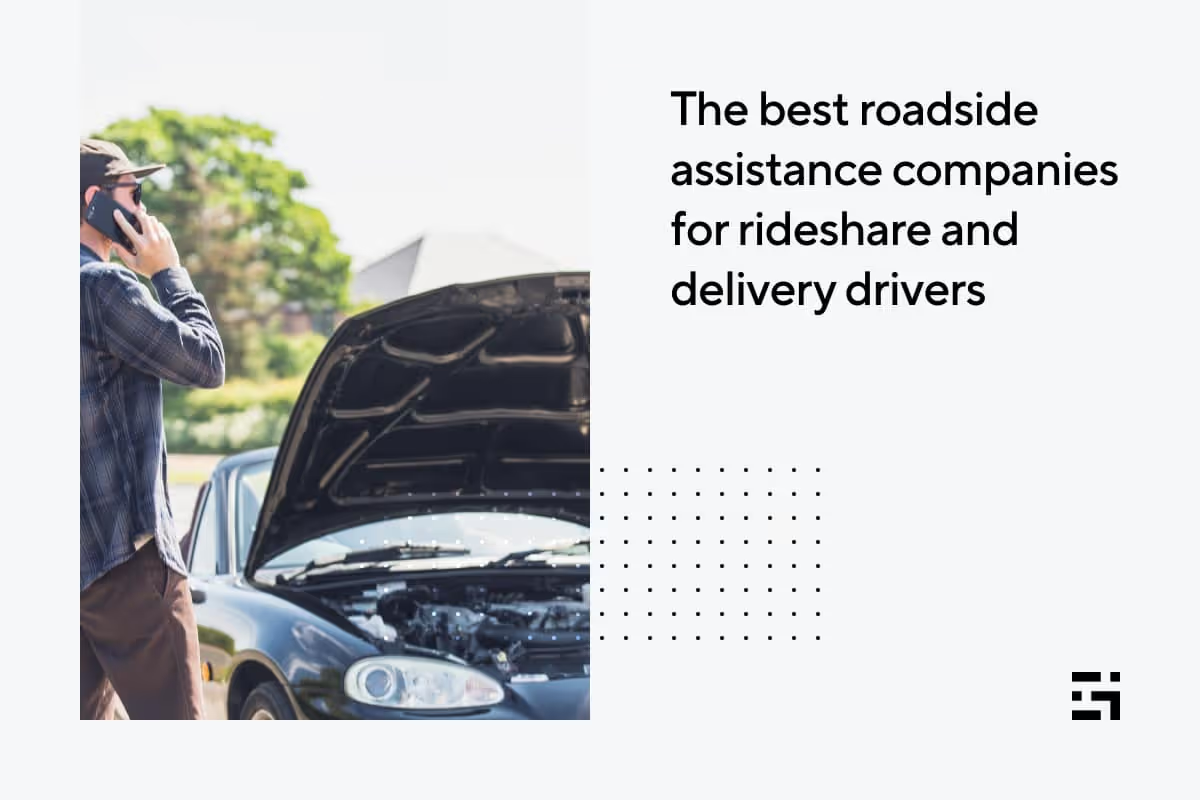
The best roadside assistance companies for rideshare and delivery drivers
Being a rideshare or delivery driver is a demanding job. Strict deadlines, fierce competition, and performance-linked incentives leave very little room for delivery delays or failures.
Still, breakdowns happen, even when you take every precaution to avoid them.
So, what can you do to minimize the impact for you and the customer when your vehicle breaks down in the middle of an Uber, Lyft, or food delivery trip?
What should you do if your car breaks down while driving for Uber or Lyft?
Any vehicle breakdown is bad, but adding passengers to the mix is even more complicated, not to mention aggravating. Uber and Lyft drivers must be extra cautious and take the proper steps to reduce the chance of breakdowns.
You should also have a plan to tackle any challenges if a breakdown does occur:
- Pull over safely and clearly communicate the situation to the rider;
- Contact Uber or Lyft driver support immediately to let them know about the situation;
- If you can fix the car, let the rider know approximately how long it will take;
- If you cannot fix the car, end the trip immediately and assist the rider in booking another ride;
- Always take care of the rider first, then your vehicle.
What should you do if your car breaks down while driving for DoorDash or Uber Eats?
Delays when delivering groceries or food orders might not be the same as being stranded in the middle of nowhere, but it can still inconvenience your customer and impact your tips and rating.
Here are a few options if you get stuck making a food delivery order:
- Pull over safely and contact customer support;
- Contact the customer directly to inform them about the situation;
- If the vehicle issue is something you can fix, let the customer know how long you expect the delay to be.
Tip: Even if the company has already contacted the customer, it leaves a good impression if you can personally communicate with the person and apologize directly for the inconvenience. You may even be able to save your tips.
A little preventative maintenance goes a long way
As the saying goes, “Prevention is the best medicine.”
While we’re certainly no doctors, this adage applies to vehicle maintenance as well.
Though breakdowns and repairs are inevitable, particularly as cars age and depreciate, you can prevent many emergencies by taking measures such as:
- Schedule regular maintenance and servicing;
- Avoid rash or reckless driving;
- Get your oil changed on time;
- Learn to perform basic roadside repairs, and keep a toolbox and a spare tire in your vehicle;
- Address small repairs quickly before they turn into bigger issues.
If all else fails, who can you call?
Enrolling in a roadside assistance program can help you get back on the road quickly in the event of a breakdown – or if you run out of gas.
It’s a form of insurance that is often sold as an add-on with your auto insurance. The situations/incidents covered under roadside assistance programs can include:
- Mechanical failure
- Towing
- On-site refueling
- Tire changes
- Vehicle lockouts
- Courtesy vehicles: A few premium policies also supply a vehicle to the policy owner at the site of the breakdown for temporary use.
Since roadside assistance is an insurance policy, different providers offer different benefits – all to provide you with seamless relief when a vehicle breaks down.
There are many popular roadside assistance insurance providers in the U.S., each with its own pros and cons:
Uber Pro (managed by urgent.ly)
Pros
- Complimentary service, as part of the Uber Pro rewards program
- Real-time tracking and status updates
- Uber-like on-demand service with a connected network of 45,000 service vehicles
- Around-the-clock customer support
Cons
- Only available for select Uber drivers
- Can only be used while driving for Uber
Allstate (great for Lyft drivers)
Pros
- Membership and pay-per-use plans available
- Focused plans
- Membership plans also cover family members
- Can be purchased as an inexpensive add-on to an Allstate car insurance policy
- Platinum status Lyft drivers get free roadside assistance as part of Lyft’s Accelerate driver rewards program
- Lyft drivers get pre-negotiated and discounted flat rates for roadside assistance services
Cons
- No premium plans
- Limits on benefits can be restrictive
AAA
Pros
- Established provider with a proven track record of reliability and quick service
- Multiple membership options to match your requirements and budget
- Free identity-theft monitoring for all members
- Partner discounts and perks
Cons
- Requires full membership
- Membership benefits can be costly and unhelpful for drivers
- Prices vary significantly by region
Good Sam Roadside Assistance
Pros
- Multiple membership options to match your needs
- Single plan to cover all your vehicles
- Family members included in the plan at no extra cost
- No limit on towing distance (restrictions apply)
Cons
- Benefits geared toward families with multiple vehicles
- Restrictions can limit actual benefits to drivers
- Requires full membership
State Farm Roadside Assistance
Pros
- Available add-on with State Farm auto insurance
- Policyholders can request roadside assistance only when needed without buying the add-on, as long as they are willing to pay for the services
- Inexpensive option for State Farm policyholders
Cons
- Available only to State Farm auto insurance policyholders
- Only one basic plan with many restrictions
- No option for extensive coverage even if you are willing to pay more
Gridwise is there when you need it!
Want a little more assistance? look no further than Gridwise. The #1 gig-driving assistant pulls together all of your driver data, so you can see exactly how much you’re earning at a glance, all in one centralized location.
Plus, we provide you with driver offers and an engaged community to take your earnings to the next level. So download the Gridwise app today and get started on the path to higher earnings.
And if you have experience using any of these roadside services, or a helpful tip to offer, we’d love to hear from you. Drop us a comment below or join our Facebook group!
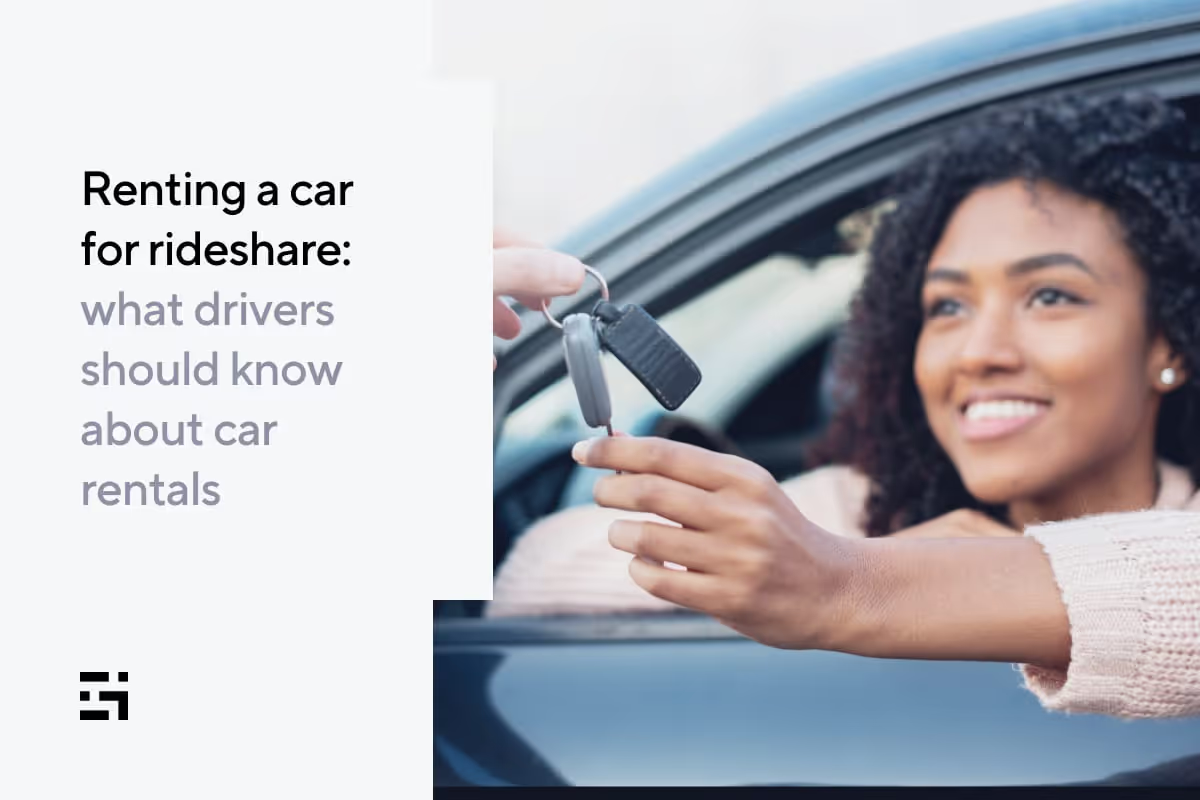
Renting a car for rideshare: what drivers should know about car rentals
So you want to drive rideshare. That’s great! You’ve probably seen what a great part- and full-time gig driving for platforms like Lyft and Uber can be, offering flexibility and outstanding opportunities to earn on your own terms. But there’s one problem …
You don’t have a car.
Not to worry! There are several options available for rideshare drivers who don’t own a vehicle. And even if you do, it might still be smart for you to consider renting a separate vehicle for your business, which helps you cut down on depreciation and maintenance costs.
If you’ve never worked as a rideshare driver before, renting a car for a few weeks is a great way to get a feel for it. That will allow you to see if it’s a good fit for you, and whether you’ll make money in your area.
Why would I consider renting a car?
Going the rental route makes a lot of financial sense for some drivers. Here are some reasons you might consider renting a car for your rideshare business:
- It requires little to no investment to get started compared with purchasing a vehicle;
- It’s a safe bet when you are unsure about the viability of rideshare in your city;
- You can get access to a vehicle even if you don’t have stellar credit;
- You can switch vehicles easily and frequently to pick the one that works best for you (if you wanted to drive XL for an event weekend, for example);
- You don’t want to worry about basic repairs, maintenance, depreciation, and insurance costs.
How do I rent a car for rideshare?
Drivers can rent directly from Uber and Lyft through their approved programs. Even though Uber and Lyft have rental programs, the vehicles are still supplied by rental company partners.
Uber partners with Avis, Hertz, KINTO Share, Getaround, and Zipcar. All the information you need about these partners and Uber’s rental program can be found on this page.
Lyft, as part of its Express Drive rental program, has two car rental partners: Flexdrive and Hertz. All the information you need about this program can be found here.
It’s important to note that driving an unapproved rental vehicle may result in removal from the platform, so make sure you’re getting your car from the right place.
The process to rent a car from Uber or Lyft is pretty simple:
- Sign up as a driver and pass background checks (where applicable);
- Select a vehicle;
- Make a reservation;
- Confirm the order by making a payment;
- Collect your car;
- Renew your rental or return the car.
There is one drawback to renting through Uber and Lyft: You’re not allowed to use these cars for ridesharing on competing platforms. As Lyft explains: “You can’t use Express Drive rentals through Hertz for any other 'for-hire’ services.”
Rental cars from either of these programs can be used for personal reasons, but there are some restrictions. Check with your company to get the specifics.
What are the requirements for renting a car?
To rent a car through Uber or Lyft, you must first sign up as a driver, meeting all their respective driver eligibility requirements.
On top of that, you will have different rental conditions and prices based on the vehicle provider you choose. The plans, prices, and rental conditions are set and managed by these vehicle providers even though you’re renting a car through Uber or Lyft.
Rental payments typically cover rideshare miles, basic maintenance, and insurance. Any expenses above that will be paid by you.
With Uber, rentals for drivers start at $260/week before taxes, while Lyft rental plans start at $209/week.
These are the provider-specific details about car rental:
Avis
- Driver must be at least 25 years old
- No security deposit required to rent a car
- Rental prices range from $150 – $295 per week
Hertz
- Driver must be at least 21 years old (additional fees may apply for drivers under 25)
- $200 refundable security deposit
- Rental prices range from $150 – $235 per week
KINTO Share
- Driver must be at least 21 years old
- No security deposit required to rent a car
- Rental prices range from $215 – $250 per week
- Both weekly and hourly rentals are available
Getaround
- Peer-to-peer car rental service
- Driver must be at least 19 years old
- Weekly and hourly rentals available
- Rental prices start at $4/hour
Flexdrive
- Driver must be at least 25 years old
- Rental prices start at $209/week
- Weekly rentals
- Vehicles rented through Flexdrive don’t come with any Lyft ride requirements — you can use the vehicle as needed as long as you're making rental payments.
GridWise Rental by HyreCar
HyreCar is a popular peer-to-peer vehicle marketplace for renting cars from individual owners. Gridwise has partnered with HyreCar to let you save on vehicle costs and keep more of what you earn.
It’s a flexible platform that allows you to rent a car for as little as two days or multiple months. Rental plans are also equally flexible since individual car owners set their own prices.
Cars rented through HyreCar can be used on any rideshare or delivery platform as long as the vehicle meets the eligibility criteria.
Whether you rent or own, always drive with Gridwise
The Gridwise driver app helps you minimize costs and maximize your earnings. With custom airport, event, and hotspot alerts, our app tells you when and where to drive to keep the rides coming.
The app also helps you to track your mileage and other expenses, potentially saving you thousands of dollars in tax deductions.
Not quite enough? Gridwise users also enjoy access to our collaborative community and a number of exclusive driver perks.
Download the app today and see why thousands of drivers have partnered with Gridwise to get the most from their rideshare business.
Unsung everyday heroes: the stories of rideshare and delivery drivers
When you sign up as a rideshare or delivery driver, becoming a hero might be the furthest thing from your mind. Soon, though, you’ll undoubtedly learn that being a driver can put you in a position where “doing the right thing” could change the course of a passenger’s or customer’s life – often literally.
In this article, we’ll open up in full voice to take notice of the unsung heroes of the gig economy: rideshare and delivery drivers who, even when the odds were against them, went above and beyond the call of duty to make the world a better place. We’ll also look at the distinction between doing a good deed and inviting trouble, and how drivers can stay safe. Here’s what we’ll be covering:
- Driving in a very real world
- Going above and beyond the call of gig driving
- Is it always wise to be a hero?
- How can you avoid unhappy endings?
Driving in a very real world
The job of rideshare or delivery driver can seem self-contained enough. In truth, however, it’s a chance to see how we’re all connected. Even if you go out of your way to avoid getting involved with the daily dramas of passengers and delivery customers, sometimes your heart won’t let you stay out of situations where you know you can make a difference.
Have you ever picked up people who were literally too drunk to know where they were? It happens. One driver recounts a tale in which an inebriated young woman entered a trip that would take about 86 hours … a “ride” to Helsinki, Finland.
This rideshare equivalent of “drunk dialing” was annoying, but there was more at stake. The passenger wasn’t in the safest of neighborhoods, and her condition made her utterly defenseless. So, the driver decided to drop her where she said her friends were. The enormous fare to Northern Europe would surely have been nice, but the driver tried not to be too disappointed. It was nicer to just leave her safely protected by her friends.
People have all kinds of troubles, and we as drivers often get to witness those troubles personally. People we pick up outside a medical building come into the car crying, possibly because they’ve just been informed of a scary diagnosis. Or, we might deliver dinner to someone who’s got clothes stuffed into black garbage bags piled up on the porch. Maybe the bags contain the belongings of a departed loved one, which could definitely explain the tears in the person’s eyes.
Sometimes the best thing to do is... just do the job. People often don’t want to talk. Then again, they might open up and start to tell us their troubles. Being there to listen is that little thing most drivers will do for their customers. As long as the discourse doesn’t jump ethical or socially acceptable lines, it’s not typically a problem. In fact, doing this little thing to help a fellow human is, in its own way, heroic.
With that said, heroism can cover a wide range of actions, and there are many drivers who’ve taken it to the limit. Here are a few stories that are sure to make you admire your fellow drivers for the heroes they are.
Going above and beyond the call of gig driving
Let’s start with the COVID-19 pandemic. Despite the widespread threat of catching the virus, there were heroes delivering meals to people who were confined to their homes. Donning masks, sometimes gloves, and always with their thermal bags in hand, these drivers were a godsend for those who were housebound. Delivery drivers were also frequent visitors to hospitals and nursing homes, where overworked medical personnel and caretakers hungrily awaited their orders to arrive.
Rideshare drivers also risked exposure to the virus, ferrying medical workers and other essential worker heroes to and from their posts at the front lines of the pandemic.
These drivers, rideshare and delivery, helped people who were going through unsettling, uncertain times. In many locations, drivers had to carry documentation with them that stated as rideshare or delivery drivers, they fit the category of essential workers. Many sad and scary scenes are etched in those drivers’ memories now; although they got through it with flying colors, it’s easy for those of us on the outside to wonder how they did.
Whether drivers are simply lifting the spirits of ordinary people or getting involved in a major society-wide nightmare, rideshare heroes and lionhearted delivery drivers give the rest of us a lot to look up to – and that’s only the beginning of the story.
There are stories of rideshare and delivery drivers who’ve jumped over the line into hero status by handling situations that changed the lives of their customers, and others in their communities, too. Here are a few of those stories:
September 2021 – Pittsburgh, PA
An Uber driver picked up an elderly woman to take her to the bank. The woman told the driver she’d gotten a call telling her she won the lottery, and she had to go to the bank to send in a check for $1,500 to cover her taxes in advance, or else she’d never see her jackpot. And, she added, how nice it was of the person giving her the money to send an Uber to her house to take her there.
The driver smelled a rat and called the police. The officer who responded congratulated the driver for being so “on the ball,” and saving this poor woman from a nasty scam.
Then, the exact scene played out that same day, this time in Massachusetts. Fortunately, rideshare heroes are everywhere, so the police were called and the person involved was also not scammed out of $1,500.
March 2019 – Dallas/Fort Worth, TX
As we’ve noted, drivers witness a wide variety of activities and events while they’re out there on the road. Uber celebrated Michele Champoux in this article. An amazing hero among rideshare drivers, Champoux took a potentially tragic situation into her own hands and stopped the worst from happening.
After she and her passenger noticed that the vehicle in the next lane was on fire, Champoux took rapid action. Yes, she called 911, but that wasn’t all. She pulled in front of the smoking car and attracted the driver’s attention so they could both pull over. With her rider’s assistance, Champoux helped the other driver release two children from their car seats in the back of the burning car.
Without minutes the car was engulfed in flames, but that didn’t deter Champoux. She continued to beat back the potential disaster by standing on the side of the highway, warning other cars to stay away until police and firefighting personnel arrived. This rideshare hero certainly earned every last kudo Uber sent her way. “I think it is our responsibility to help each other out,” says Champoux.
May 2021 – Chicago, IL
If you think carting around a few drunks and putting up with bad smells and rudeness constitute a rough night, consider what Chicago Uber driver Mike Bussan went through. He was just driving along, waiting for a ping to come in, when suddenly he heard the unmistakable sound of a car crash. He stopped, and then ran to the scene of the accident – and noticed that one of the occupants of the vehicle was bleeding profusely.
Bussan jumped into action, helped the two men into his vehicle, and drove them to the nearest hospital. Then, when he was offered a cash reward, he turned it down. That’s what you call a rideshare hero with a heart and humility.
September 2021 – Van Nuys, CA
There are also many stories of delivery drivers who have gone above and beyond to perform heroic acts ... such as Gerson Tavares. He was on his way to a pickup when he noticed a tiny child toddling down a very busy street. Tavares screeched to a stop, got out of his car, and began frantically waving his arms at oncoming traffic to prevent the two-year-old from getting hit. He then scooped up the child and took him to his car.
Tavares called the police, who located the toddler’s family. For obvious reasons, the police also opened up an investigation with Child Protective Services.
August 2021, Woburn, MA
On a hot summer afternoon, an Amazon delivery driver came upon a house with a swimming pool – and heard a sound that was unlike anything he’d ever heard before. It turned out to be the howl of a terrified 14-year old husky that had wandered into the pool and was sinking. His head was just about to go under the water when the driver jumped in, still wearing his clothes and carrying his wallet and phone, to save the dog.
It was later revealed that the dog’s humans were on vacation, and only thought they had secured the gate to the pool. The husky wandered into the water, unsupervised, apparently just before the dog sitter was scheduled to arrive. The owners were deeply grateful to the driver for his good deed, and the dog continues to thrive. Hopefully, he learned his lesson and won’t be trying to swim unsupervised anytime soon!
Is it always wise to be the hero?
Whether it’s a person or a pooch that needs saving, there are times when doing the right thing and doing the wise thing are at odds. In all the hero stories we’ve covered so far, the drivers were able to do their good deeds without any harm coming to them. As a driver, you always have to be able to use your instincts, but listening to what your common sense tells you in a serious scenario can save your life.
For example, if you happen to come across a situation where there’s anger, chaos, and violence, of course you shouldn’t run straight into the danger zone. You’ll be far better off simply alerting the authorities and going on your way.
The story of a Washington, D.C. driver illustrates how dangerous it can be to not only try to help others, but to even attempt to fight back when you’re attacked. In March 2021, Uber Eats driver Mohammed Anwar was accosted by two teenage girls, whose plan was to hijack his vehicle.
They used a stun gun on Anwar. After a struggle over the steering wheel, the girls grabbed the wheel and took off, with Anwar hanging onto the side of his car. Rather than let go of his vehicle, Anwar fought them as he was dragged along by the reckless car thieves. He fought back … but ended up losing his life.
When it becomes apparent that you could be hurt or killed if you don’t get away from a dangerous situation, there’s only one decision to make: Get away as fast as possible. In Anwar’s case, it’s likely that being shocked by a taser interfered with his ability to think clearly. His tragic death was in no way his fault, but the incident does illustrate the wisdom of letting go of even our most precious possessions before we let someone take our lives.
His death – which could more accurately be described as a murder – is a tragic loss for his family and everyone who knew him. It’s also a sobering reminder for the community of drivers who have been forced to realize that at any time, they could find themselves in a similar situation. This leads us to ask another question.
How can you avoid these situations?
Most of us have the desire to do the right thing in almost any situation, but we also need to know when it’s wise to leave it to the pros. Here are some scenarios that might warrant a retreat rather than a bold charge into the fray:
- Violent arguments
- Shooting noises
- Fires
- Explosions
- Fights
- Riots
- Gang attacks
When you’re outnumbered, cornered, or in vulnerable circumstances, it’s time to obey the first law that’s taught to every martial artist: When you are in danger, do everything you can to GET AWAY. You’re not going to be able to kung fu your way through 17 armed people carrying knives, chains, and guns.
Unless you’re qualified as a law enforcement or emergency officer of some kind, the best thing you can do is hit the gas pedal and call 911 as soon as you can to report the incident.
Do not let anyone see you using your phone, especially if a crime is in the process of being committed. If there’s a fire or explosion, evacuate the area immediately and call 9-1-1.
Be prepared, too. Know your apps, and be clear on how each one of them provides you with direct access to help, and in many cases, the ability to have loved ones track you and know where you’re located at any given time.
Remember, though … the fact that it isn’t always prudent to jump into a dangerous situation shouldn’t stop you from other acts of heroism. You can still pull your vehicle over and care for people in your community, and in the process, make a difference in their lives. Just make sure to assess the level of danger before you go in.
Uber Instant Pay: how Uber drivers can get paid faster
One of the biggest advantages in the gig economy is flexibility — yet that flexibility is somehow missing for a crucial moment in the working week: payday.
Many platforms transfer earnings to your bank account once or twice a week, making it difficult for drivers who need to cover an unexpected expense or just want to get paid fast.
Thankfully, some companies are offering solutions. Uber’s Instant Pay is one option that lets drivers get paid when they need it.
What is Uber Instant Pay?
Uber automatically transfers drivers’ earnings to their bank accounts once a week through ACH (Automated Clearing House) transfers. While the process is seamless, having to wait up to a week to get paid can be problematic for drivers when they need funds immediately.
This can lead drivers to rely on less-than-ideal payday loans and other means to get cash in a pinch.
As evident from the name, Instant Pay allows Uber drivers to immediately cash out their earnings when needed. Directly to their debit card and up to 5 times a day. In most cases, the money is transferred to the account immediately.
How to sign up and use Uber Instant Pay
There is no separate sign-up process for Uber Instant Pay, just have to add a supported debit card to your Uber driver account.
You can do that in the Payments section of the Uber Partner app. Then navigate to the Earnings tab in your Uber Partner app, click the ‘Cash out’ option, confirm the payment details on the next screen, and tap ‘Confirm Cash Out’. Then it’s payday on your terms!
The service is completely free when you sign up for the Uber Debit Card. Otherwise, there is a $0.50 fee per transfer when cashing out your earnings. Most debit cards from visa, MasterCard, and Discover are supported.
Since Uber partners directly with the banks to make Instant Pay possible, they have the ultimate control over when you get paid. According to Uber, some banks delay the transfer of funds up to 3 days, including:
- Bank of New York Mellon
- Webster Bank
- First-Citizens
- Northern Trust
- First National Bank of Omaha
- Amegy
- H&R Block
- BOKF
- Silicon Valley Bank
- California Bank and Trust
- UBOC
What if you lose access to Instant Pay?
Having the option to immediately cash out your earnings is pretty great, and you may find yourself regularly using and planning your payments accordingly.
If that’s the case, losing access to this feature would be a big hit to your business. Here are some common reasons drivers lose access to Instant Pay:
- Your account is flagged by Uber’s systems during periodic security checks
- Your account is not active for at least 24 hours after signup or reactivation
- You haven’t linked a checking account to your Uber driver account
- You started renting or leasing a car through Uber's vehicle financing program recently
- You stopped renting or leasing a car through Uber's vehicle financing program recently (It may take up to 2 weeks for Uber to enable Instant Pay in such cases)
- You are a new delivery partner who hasn’t uploaded his/her profile photo and driver's license/state ID.
So, what can you do?
- Follow Uber guidelines and meet all the requirements for Instant Pay
- Ask for help! Join our driver community and download the Gridwise app for tips on maximizing your earnings
Get the cash you need to grow!
The option to cash out immediately is certainly helpful for day-to-day expenses — but it may not be enough for drivers who are looking to scale their revenue.
While business loans, personal loans, and renting a vehicle are common ways to fund rideshare business growth, rideshare and gig drivers have a few other offers available specifically for their business.
Specialized platforms like Giggle Finance are a better fit for small businesses, Uber drivers, and other gig economy workers.
They offer a simple application process, instant access to funds, and flexible payment options. Giggle Finance promises instant funding up to $5,000 in less than 8 minutes.
The application process is simple and funding is provided instantly if your business meets the qualification criteria — it’s basically an Uber Instant Pay advance on hours you haven’t been to drive yet.
Just a heads up, Giggle analyzes your bank statements to determine your eligibility for financing.
How else can drivers own their earnings?
Financial freedom for rideshare and delivery drivers only starts with having an immediate cash-out option for earnings. Drivers also have access to financial products and services that offer easy access to savings, investments, and income protection.
Here’s are a few ways to do more with your earnings:
- Effortlessly save for retirement and emergencies by investing your change with Acorns
- Invest some of your earnings - platforms like Public or Betterment are good for beginners and help your money go farther.
Your ultimate co-pilot on the path to bigger payouts
If you’re looking for a spotter, look no further than Gridwise! The #1 gig-driving assistant pulls together all of your driver data, so you can see exactly how much you’re earning at a glance, all in one centralized location.
Plus, we provide you with driver perks and an engaged community to take your earnings to the next level. So download the app today and get started on the path to higher earnings!
And if you have experience driving with one of these companies, we’d love to hear from you. Drop us a comment below or join our Facebook Group!
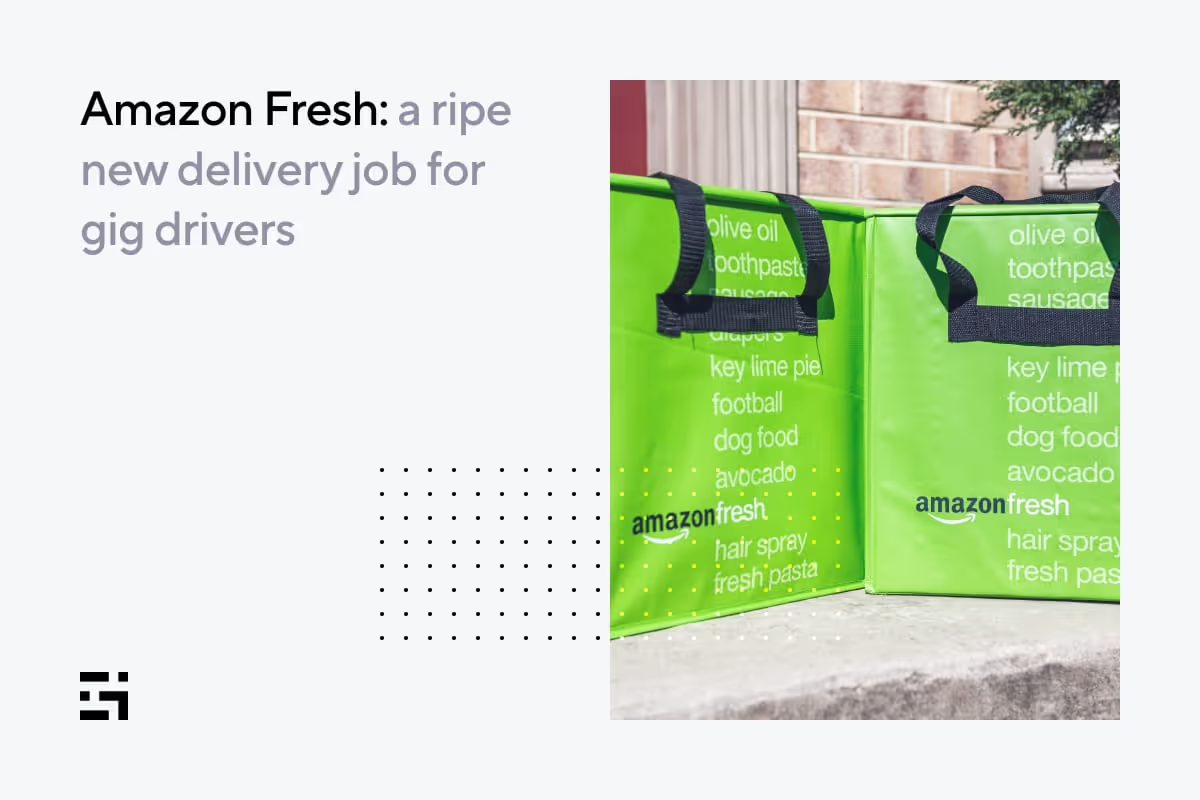
Amazon Fresh: a ripe new delivery job for gig drivers
Amazon is in the business of delivering millions of products quickly and safely to customers around the world — Taking on every aspect of retail in the process. It was only a matter of time before they would bring some of that expertise to delivering groceries. Say hello to Amazon Fresh.
Delivery drivers, you now have another platform to consider. Here’s what you need to know:
- How Amazon Fresh works
- How it stacks up against its competitors
- Requirements to register as a driver
- Plus a few extras (because we like you)
How is Amazon Fresh different from Amazon Flex?
They are not two different services for drivers. Amazon Flex is the company’s umbrella program that pays money to independent drivers for delivering orders to customers. Flex is the umbrella and Fresh deliveries are the raindrops hitting it.
Amazon Fresh deliveries are just one category of orders under Amazon Flex. When you register as a driver on Amazon Flex, you can deliver orders from any category as long as you and your vehicle meet the requirements specified for that category of deliveries.
What is Amazon Fresh and how does it work?
Amazon offers multiple grocery delivery options to its customers through Amazon Fresh, Prime Now, and Whole Foods Market. Each of these services differs from the other in delivery speed, product catalog, and availability.
Amazon Fresh is the company’s most comprehensive grocery delivery service, available in more than 2,000 towns and cities in the US. Both delivery and pickup are free for Amazon Prime members in select regions, provided that the order value meets the local minimum threshold (usually $35, but $50 in some locations).
A quick note, Amazon Fresh is different from the restaurant food delivery service (Amazon Restaurants) that shut down a couple of years ago.
Wondering whether Amazon Fresh delivers alcohol? The answer is yes.
Amazon Fresh orders are delivered both by full-time Amazon delivery partners and independent delivery drivers through Amazon Flex.
Do you have experience as a Flex driver? We’d love to hear about it! Drop us a comment below or share it with our community.
Want to become an Amazon Fresh delivery driver?
There is no separate process to sign up as an Amazon Fresh delivery driver. To deliver any order from Amazon, you need to register as a driver on Amazon Flex. Then, you’ll have the option to make the following kinds of deliveries:
- Amazon.com orders - These require collecting packages from an Amazon delivery station and delivering them to customers. Shifts range from 3-6 hours for this class of deliveries.
- Prime Now and Amazon Fresh orders - These involve picking up groceries and other items mentioned above from an Amazon delivery station or select outlets and delivering them to customers. These delivery blocks range from 2-4 hours.
- Local store orders - These include picking up orders from local stores and delivering them directly to customers. Shifts range from 2-4 hours for these deliveries.
- Instant offers - Available only in select regions, these deliveries start near your current location and take around 15-45 minutes to complete.
Think you’ve found your lucky number? To sign up for Amazon Flex, go to their website and click Let’s Drive. But remember, Amazon Flex is not widely available, limited to only around 50 cities in the US.
Also, to register as a delivery driver on Amazon Flex, you need to meet the following requirements:
- You must be at least 21 years or older
- You must have a driver’s license and a Social Security Number
- You must have a mid-size or large 4-door vehicle such as an SUV, van, or a truck with a covered bed for delivering Amazon.com orders. However, you can use any car for Prime Now and Amazon Fresh orders. Motorcycles, scooters, and bicycles of any kind don’t qualify for Amazon Flex.
- You must have a supported iPhone or Android smartphone
- You must have a valid auto insurance (Tip: Find your best rate with Gabi)
Once you clear the background checks and successfully register as a driver on Amazon Flex, you can start doing Amazon Fresh deliveries like you would with any other delivery app:
- Log into the Amazon Flex app and schedule your block(s) for Amazon Fresh deliveries. Blocks are basically shifts that you agree to work on a specific day. These range anywhere from 2-6 hours depending on the category of deliveries. For Prime Now and Amazon Fresh orders, the typical block duration ranges from 2-4 hours.
- Before you’re block, drive to your Amazon pickup location and collect orders assigned to you.
- Navigate to the delivery locations using the Amazon Flex app and follow Amazon’s delivery instructions to complete in-garage, attended, or unattended deliveries.
- Get paid! Every Tuesday and Friday a direct deposit is issued into your bank account. Since Amazon Fresh deliveries are eligible for tips, your payment includes 100% of the tips you receive from customers.
Considering alternatives to Amazon Fresh
As a driver, you have a lot to consider when it comes to the companies you choose to work for. Knowing what will work for you isn’t always easy.
Thankfully, the team at Gridwise is always working to collect the most recent data from hundreds of thousands of drivers to see who’s really earning the most, where they’re doing it, and who they’re working with.
Join the Gridwise team today to level up your work as a driver.
How is delivering Amazon Fresh orders different from food delivery?
There are two primary differences: delivery speed and products delivered. Food delivery includes, well, food ordered from nearby restaurants. Amazon Fresh, meanwhile, delivers groceries, personal care, electronics, household, and other items from its warehouses.
Food orders are delivered on-demand as quickly as possible (typically in less than an hour), whereas Amazon Fresh orders are generally next day or later.
These differences have a significant impact on your earnings as a delivery driver. Because Amazon Fresh orders are scheduled, you know how much you are going to get paid during your shift in advance.
Both the base pay and tips are generally higher for Amazon Fresh deliveries since the order value tends to be much higher.
AmaPROS:
- High earning potential
- Ability to schedule shifts for guaranteed deliveries (no time wasted waiting on orders)
AmaCONS:
- Only available in certain cities
- Must have a suitable vehicle
How much do Amazon Fresh drivers make?
Amazon says most drivers on Flex earn between $18-25 per hour. That should be a good estimate for Amazon Fresh deliveries as well. However, your actual take-home earnings depend on your location, vehicle type, length of your shifts, number of deliveries, and customer tips.
To know how much Amazon Flex drivers actually make, you can read our in-depth analysis based on the real earnings of thousands of drivers who use Gridwise.
But wait… there’s more!
Amazon Flex drivers can improve their earnings through the Amazon Flex Rewards program. Drivers can get cashback on fuel purchases, Amazon.com orders, and more by using the Amazon Flex debit card.
Flex drivers can also score discounts on gas, car maintenance, etc. through special offers in the Amazon Flex app. On top of all this, earn points by making deliveries, which allows them to level up and unlock more rewards like higher cashback rates and preferred scheduling.
Drivers can also up their earnings when they download the Gridwise app for access to driver perks, insights, and more! What are you waiting for?
7 ways drivers can earn more with food delivery
When it comes to making the most out of your food delivery game, there are options. You could take a random approach, which involves jumping in your vehicle, turning on your favorite delivery app, and seeing what happens. Or, you could pay attention to every “voice of wisdom” within earshot, from other drivers to YouTube experts, each of them insisting there’s only one “best” way … theirs.
We’re also offering wisdom in this post – but we’ll take a different approach. First, our advice comes from real delivery drivers, so you’re hearing it directly from the source; and second, we give you seven ways to up your food delivery game, plus a golden opportunity. We invite you to take what’s offered here, run with it, and create a targeted strategy that works for you. Here’s how we’ll go about it:
- What’s wrong with delivering “freestyle”?
- What a food delivery strategy can do for you
- 7 ways to up your food delivery game
- Put your personalized food delivery strategy in place
What’s wrong with delivering “freestyle”?
There’s no reason you can’t just go out, turn on your app, and start delivering food. Most apps, including Uber Eats and Grubhub, will allow you to do this. In fact, that’s probably the way most of us got our food delivery feet wet. But anyone who’s ever done it, even for a few shifts, knows how tough it can be.
When you’re taking random calls, and especially if you’re a newb at the food delivery game, you won’t get the big orders right away unless you’re really lucky. You’ll see a lot of $4 and $7 orders, and they may or may not include tips depending on the types of customers you meet. Bigger orders come as you make more trips, prove your worth to your company, and show that you’re good at pleasing customers.
Also, you may not know the best times to drive or where the most fruitful spots might be. If you lack a specific goal, and don’t know how to get the most out of what the food delivery companies have to offer in terms of higher earnings and bonuses, you could be driving in circles. Don’t waste your gas and time, and please … get a strategy!
What a food delivery strategy can do for you
First things first: You must realize that the only way any strategy will work for you is if you put it together based on your needs, your goals, your availability, and your local environment. Taking blanket advice from a self-appointed expert might work for those who have similar circumstances – but the reality is, most of us have different needs and situations, and every city is different.
Consider those factors as you begin to craft your personal strategy, along with these specifics:
- How densely populated is the area where you’ll be driving?
- What are the most popular food delivery apps in your area?
- Are there areas where restaurants are clustered together?
- What are the most popular eateries in your area?
- Do you have the right equipment to handle large orders?
- What are the reasons people in your area would order food for delivery?
- What are the best times of day for food delivery in your area?
- Where are the people who are likely to order? In an office area? Near a university?
- What days and times are most convenient for you?
- Do you want to schedule blocks of time, work when you want to and can, or both?
With a food delivery strategy, you’ll have the potential to make the most money in the least amount of time possible. Know your area, do a small bit of research, and you’ll be in business.
7 ways to up your food delivery game
By now, you’re probably convinced that putting a strategy together for your food delivery gig is a good idea. As promised, here are seven components to a good strategy that you can use to create one that works for you:
#1 Set goals and be selective: $7 or more lets you score.
How much do you want to make per hour? How much per day? Most experienced drivers like to aim at making at least $20 per hour. In order to achieve that goal, they know they have to make the absolute best use of their time.
It’s hard to refuse an order, particularly when you’re new to delivery driving or haven’t had many pings so far on your shift. Still, your performance probably isn’t going to get any better if you spend an hour and a half chasing down and waiting for a fast-food order worth $4 or $5. Think about that before you hit the “accept” button and head over to that chicken or burger joint.
When those pings come in, you often have to think fast. Should you take it or not? This part of the game is a delicate balance between making sure your cancellation rate doesn’t get ridiculous, and making your delivery gig worth the time you're spending on it.
If you have trouble wrapping your mind around whether an order is worth it on the fly, slow down. It takes time and experience to get the hang of any delivery app. If you need to pull over for a few seconds to fully understand what the delivery involves and whether you want to take it, then pull over. Whether it’s a $4 hamburger and shake order or a $200 catering job, neither is worth getting into an accident.
Always keep an eye on your acceptance and cancellation rates to make sure you’re not refusing enough calls to affect your ratings. But again, stick to bigger orders whenever possible.
#2 Choose your app(s) wisely.
What is the best app for you, your lifestyle, and most importantly, your area? This website shares stats telling you which of the big food delivery apps has the biggest market share in various major cities. Check it out to see which is most popular around you.
Next, decide what your highest priorities are. Do you want to work for the “biggest” company, or one that won’t demand you compete with a bunch of other drivers? You can rely on your instincts, of course, but there’s a more scientific way. Sign up for all the apps in your area and try them out individually before deciding which one you want to stick with for most of your driving.
It is best to select one app as your primary source of work. Why? Because it gives you an advantage when it comes to bonuses and perks that are based on the number of rides you have with a given company. This Gridwise blog post contains useful inside information on what it takes to get good delivery driver ratings, and perks, from the major companies.
The other difference you’ll find among the apps pertains to scheduling your driving. DoorDash and Grubhub allow you to schedule blocks of time when you’re available to drive. With DoorDash, until you reach Top Dasher status, you’ll have to schedule your work hours and stick to them. Grubhub will allow you to drive anytime you wish, as will Uber Eats.
You might also have a preference for a certain company because of the way their drivers are treated. By all means, choose the one that you enjoy working for. You’ll make more money if you have a good feeling about your gig, and how your company sees its relationship with its drivers is a big part of that.
There are many factors to consider about any company you decide to drive for. Check this Gridwise post to compare DoorDash and Grubhub, and this Gridwise post to see how Uber Eats and DoorDash size up.
#3 Know when to drive.
Before you start, there’s one big question you need to answer and be very honest about it. When are you really available? Can you get out of your other part-time gig to drive at lunch hour? Can you really afford to leave your kids with a relative or sitter while you drive the evening or late-night peak times? Once you’ve answered these questions, you’ll have a better idea of your options. From there, you can begin to look at more general considerations.
While it may seem that you’ll get the most calls at meal times, there’s more to think about than sheer volume. If you’re in a big city, for instance, how much longer will it take you to make a delivery at 5:30 p.m. than it would at 7:30 or 8:00 p.m.? Rush hour traffic could hold you up, and that means your hourly earnings could drop substantially.
Also, you need to know the prime delivery times in your area. Some more suburban areas might want their food at 6:00 or 7:00 p.m., while urban diners-in might not be ready to nosh until 9:00 or later. As for the late-night nibblers, they may start calling in at 10:00 p.m., or not peak until midnight.
There’s a lot that goes into your decision about the best times to drive, wouldn’t you say? Trial and error might work, but wouldn’t it be better to have current, real information about the best times to drive in your area? How would you get this info?
Use Gridwise! Our hot new feature, aptly named When to Drive, uses information from real drivers and tells you the best times to make money in your area. You can even see which days of the week are best in different locations. Here’s what it looks like:
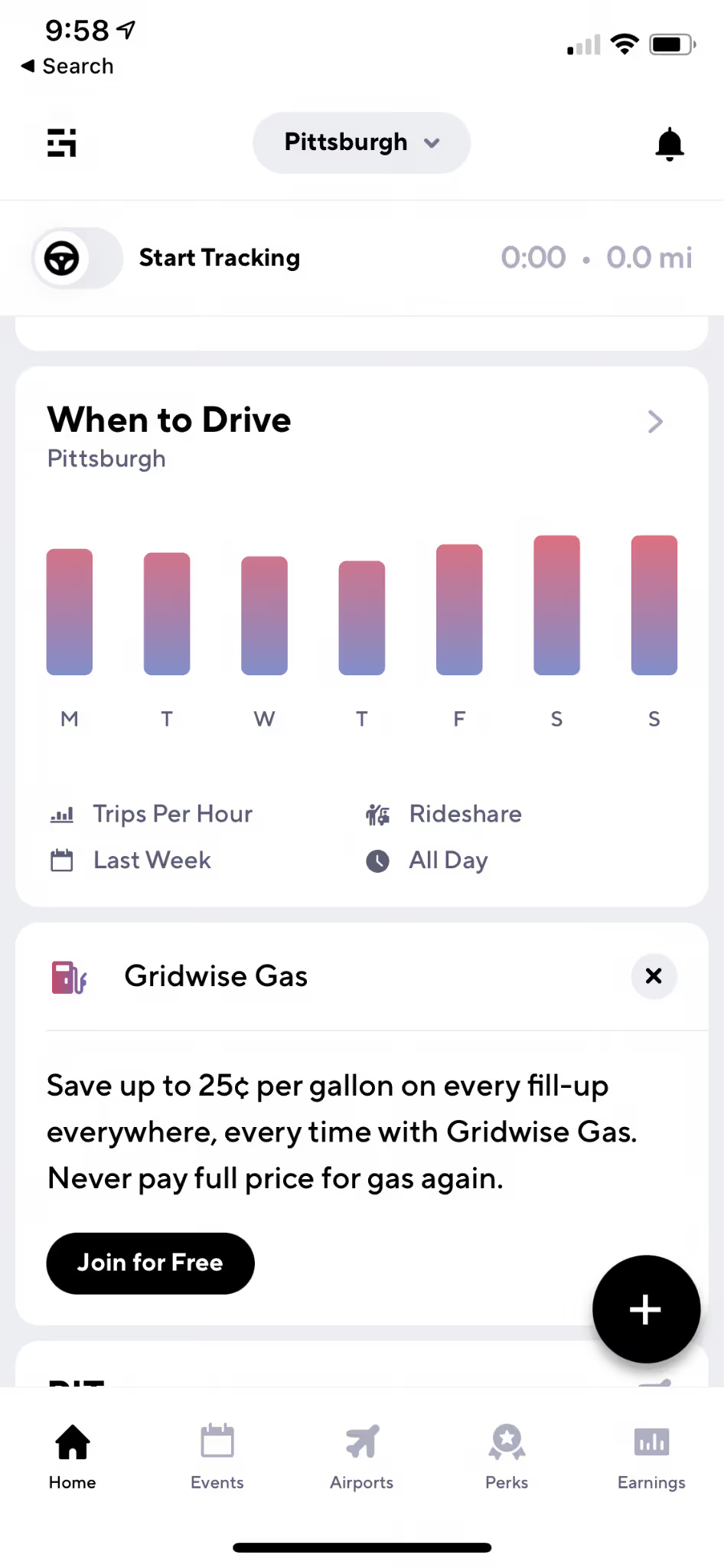
You can get all the stats you need with this great new Gridwise feature.
#4 Know where to drive.
Any good food delivery strategy involves knowing where all the best places are to wait for orders, and which neighborhoods have the best restaurants for delivery. For example, hanging around the posh side of town could be fun, but you’ll get far more calls for deliveries in spots known for their middle-of-the-road, something for everyone kinds of establishments.
Staying safe as a delivery driver is also an issue when it comes to knowing the “best” places. This Gridwise article is directed at female drivers, but the safety tips it contains are relevant to everyone. As a delivery driver, you often have to walk the streets, and at times, enter buildings that might not be the most savory of places. Learn your area, and know when a delivery involves going to someplace you’d rather not be.
Hanging out around a concentrated area is a good move if you want to get stacked orders, which refers to picking up two, maybe three meals from the same or a nearby eatery. You can make more money in less time and within a shorter distance with stacked orders – but it’s best to wait until you have more experience before setting your app to accept them.
There’s another way to find the most lucrative places for delivery work. Gridwise is almost ready to release another awesome feature for drivers called Where to Drive. It allows you to look at earnings data anonymously collected from Gridwise drivers, and will show you where the money is in your town. The screen you’ll use will look like this:

You can get more detailed information by continuing to this screen:

Switch from Rideshare to Delivery to see what each kind of driving looks like, and filter the data just about any way you might wish.
In addition to this information, you need an idea about what’s going on around town or in your general area. Are there ballgames or big concerts about to go on? Is there a rush near the airport? Are there restaurants near the mall that people love to order from? How’s traffic? Should you bring your rain gear? So many questions, right?
Gridwise offers an edge here as well. Here’s a sample of the features you get right on the home screen:
- Airport information: arrivals, departures, and queue lengths at your location;
- Weather: current information and weather alerts;
- Traffic: traffic alerts;
- Gas deals: save up to $0.25 per gallon with Gridwise Gas.
- Event information: everything you need to know about local events.
There are alerts and notifications, plus a reminder to log on at the beginning of your shift so you can track your mileage and earnings with Gridwise. You’ll get easy-to-read and fact-filled graphs like these, telling you how you’ve done on all the apps you use:

Now that you have tips on where to drive, let’s move on to some more advanced elements of your successful delivery driving strategy.
#5 Work for tips.
Raise the bar, and your income, by putting in the extra effort it takes to get great tips. You can get away with making far fewer deliveries, and still meet your earnings goals, with the extra money people often give you just for adding in some extra attention and kindness. Here are some examples of ways to increase your tips:
- Stay in touch with your customers. Keep them up to date about delays, both in the restaurants and on the road.
- Bring extra condiments. Don’t assume that people couldn’t possibly need napkins or extra ketchup; even if they don’t, they’ll appreciate your thoughtfulness when you bring them along. You might even keep your own, separate (and individually wrapped) supply in your vehicle.
- Separate hot and cold items, and invest in equipment to help make that easier. Here’s a Gridwise post that shows you some of the gear you could use to provide extra care to those food orders.
- Sniff out the tippers. Focus your efforts on areas where people can well afford to give you a nice tip. They’ll be far more likely to click on the in-app tip option, or add to it after they notice your superb service.
- Highlight your efforts. Subtly mention that you added extra condiments and utensils, or how easy it was to keep their fries warm and crispy in the fancy insulated bag you just bought.
- Make them smile. Be friendly with your customers, telling them how much you enjoyed bringing their meal, what a great place they chose, or how much care the eatery took with their order.
Tipping can add another 15–20 percent to your earnings! Always act like you love what you’re doing, even when you’re tired or burned out, and make your customers feel important, because they are. Without them, you’d be missing out on your great delivery driving gig.
#6 Watch for promotions and referral bonuses.
The delivery apps all have promotions going on at different times, and this is an easy way to add to your earnings. Watch for the peak times, and if traffic conditions and weather permit, focus on the areas that are part of the promotion.
Other bonuses might come from completing a certain number of trips in a given amount of time, or by deciding to drive on a peak day or holiday when most drivers would rather be doing something besides working.
You can also get extra cash with very little effort by referring friends to drive for your company. Most of the time, you’ll get a reasonable amount of cash, or at least a guaranteed earnings incentive. Check your favorite company to see what they offer in your area.
#7 Alternate your apps.
All the companies have policies against their drivers working for two apps on the same trip, so keep that in mind. Still, there are ways to take advantage of working two or more apps in a given shift. This is an advanced move to be sure, but some tactics to consider include:
Compare orders. If a second app offers a better order than the one you’ve chosen, as long as you haven’t yet picked up the order you can cancel it and move to the order that will make you more money.
Compare bonuses. Check out the different apps to see where the bonus areas might be, and how much they’re offering. The same goes for referrals. Before you refer a friend, check to see which of the apps you use are offering you more of a reward.
Mix in rideshare. If you have the right kind of vehicle for rideshare, consider alternating your food deliveries with driving passengers. You can learn more about the rideshare apps in this Gridwise blog post. It’s a great way to make good use of your time in between peak meal time periods, plus … it can be fun and make you lots of money, too.
Put your personalized food delivery strategy in place
Now that you have seven ways to up your food delivery game, it’s time to put your strategy together. We trust your creativity and know that you’ll come up with a great one. But, if you ever want to check in with a super community of drivers, make sure to check out Gridwise on Facebook for lively discussions, gas card giveaways, and more!
Work smarter. Earn more.
Whether you drive, deliver, or pick up shifts — Gridwise helps you track earnings, mileage, and performance so you stay in control of your work. Download the app and take charge today.
